S3 node
Use the S3 node to automate work in non-AWS S3 storage and integrate S3 with other applications. Otera has built-in support for a wide range of S3 features, including creating, deleting, and getting buckets, files, and folders. For AWS S3, use AWS S3.
Use the S3 node for non-AWS S3 solutions like:
On this page, you'll find a list of operations the S3 node supports and links to more resources.
Credentials
Refer to S3 credentials for guidance on setting up authentication.
Operations
- Bucket
- Create a bucket
- Delete a bucket
- Get all buckets
- Search within a bucket
- File
- Copy a file
- Delete a file
- Download a file
- Get all files
- Upload a file
Attach file for upload
To attach a file for upload, use another node to pass the file as a data property. Nodes like the HTTP Request work well.
- Folder
- Create a folder
- Delete a folder
- Get all folders
Node reference
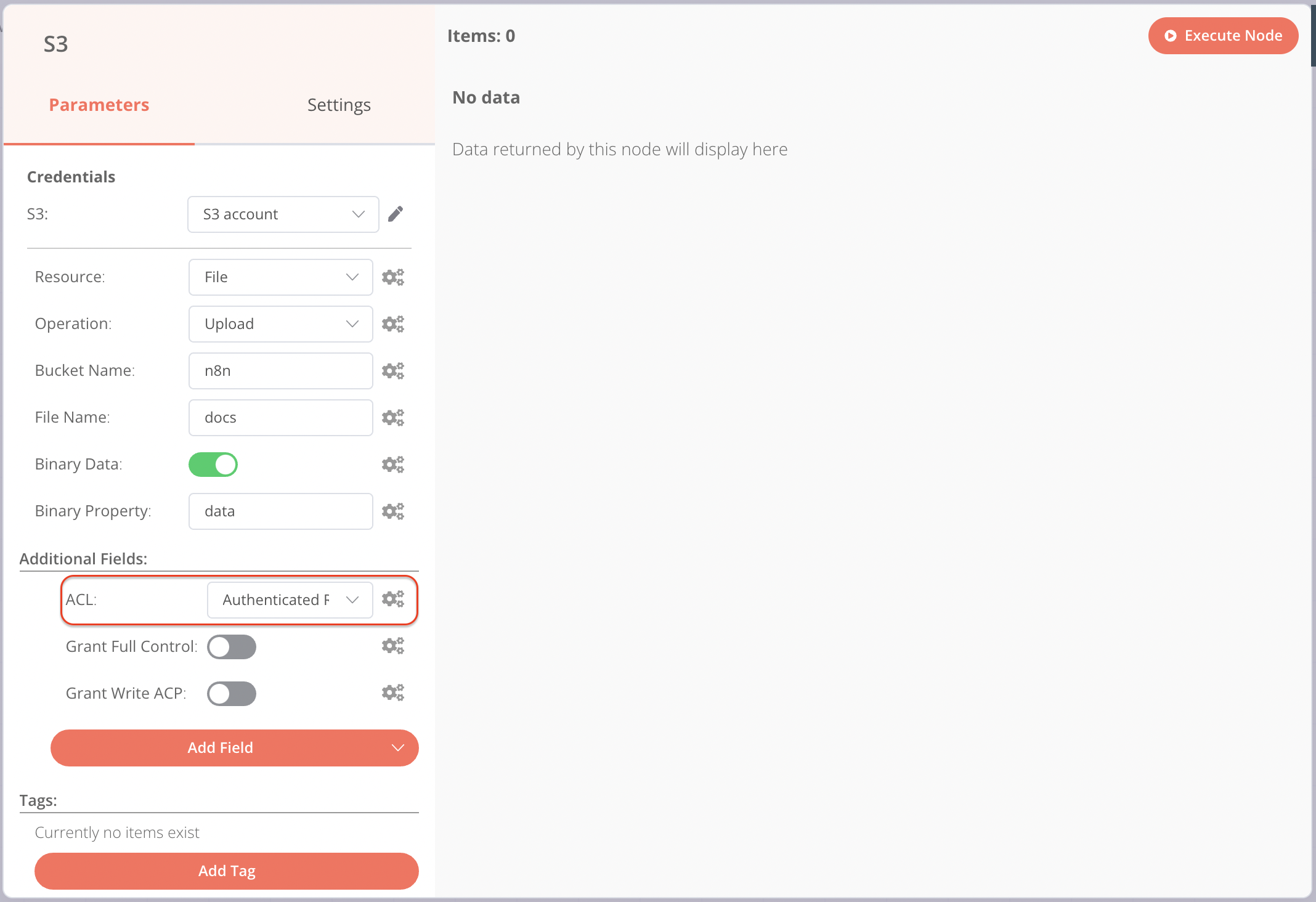
Setting file permissions in Wasabi
When uploading files to Wasabi, you must set permissions for the files using the ACL dropdown and not the toggles.