Workspace
A Workspace is a way to organize your data and collaborate with other users. It acts as a dedicated space where you can build and share Business Apps with a team. Resources within a Workspace are accessible only to its members.
A user can be a part of multiple workspaces, allowing them to collaborate on different projects with various teams.
Workspace Management
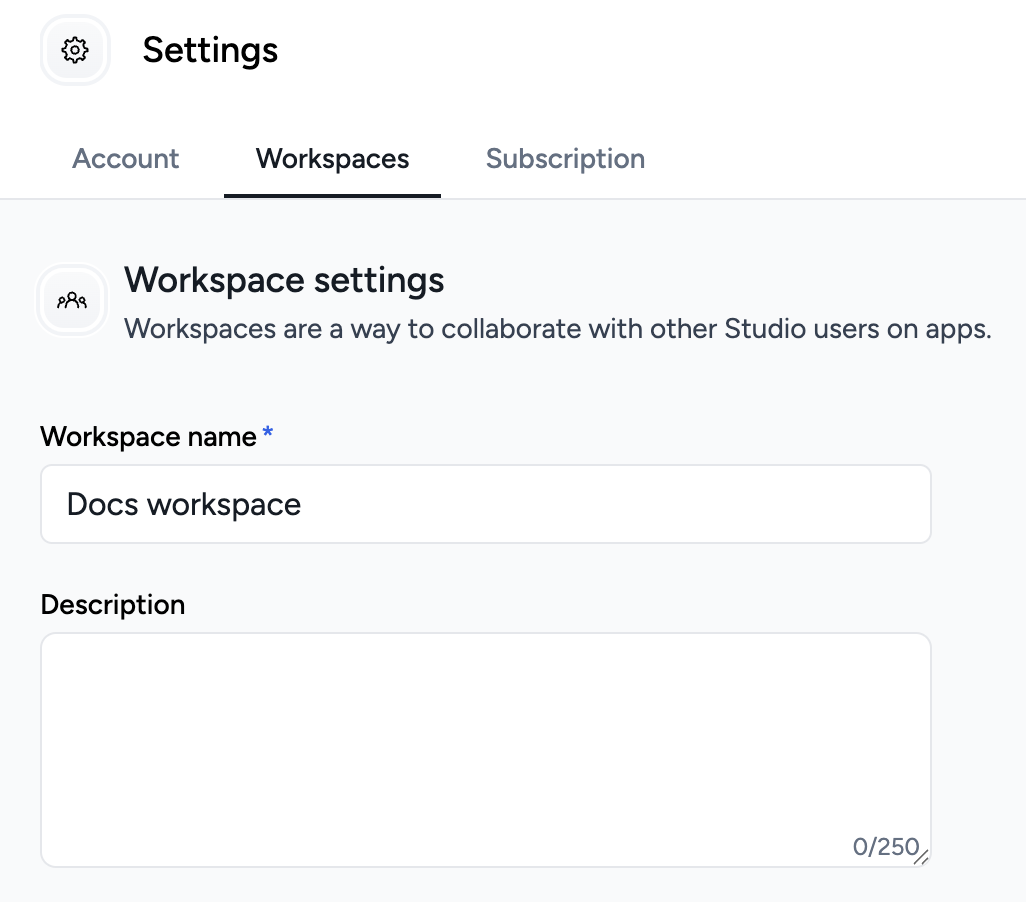
To access your Workspace Settings, go to the Account Hub (found in the bottom of the left menu), select My Account, and then click on the Workspaces tab.
Editing Your Current Workspace
Here, you can edit the details of your workspace by changing its name and description.
Creating a New Workspace
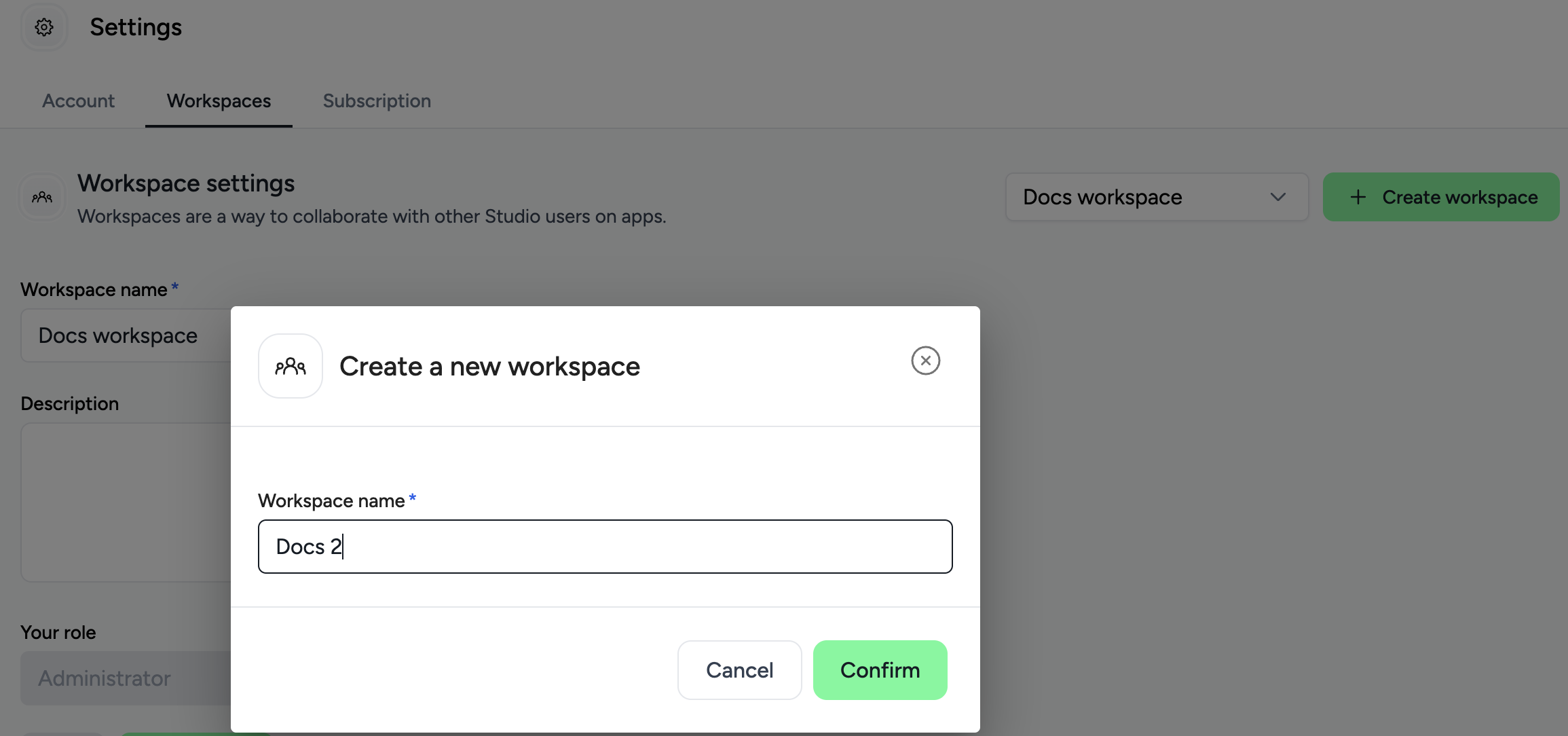
To create a new workspace, click the Create Workspace button on the right side of the screen. A pop-up will then appear, prompting you to enter a name for your new workspace.
Deleting a Workspace
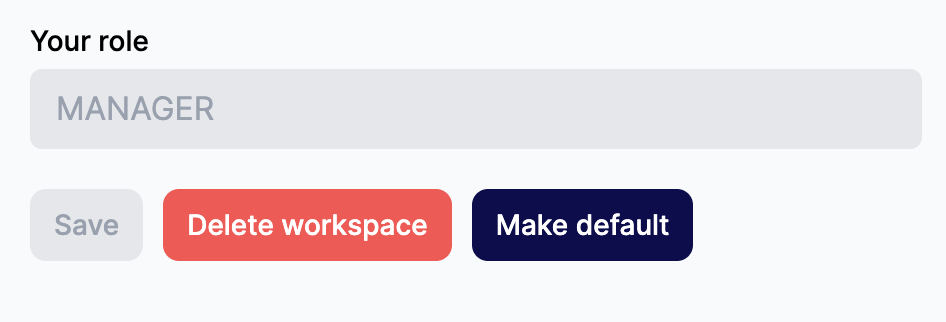
You need to have a Manager role to delete a workspace. After pressing the Delete workspace button, a pop-up will appear asking for confirmation, as this action cannot be undone.